
· 3 min read
How to Buy from a Live Stream: A Beginner's Guide
How to shop live on the Dona app: find a live seller, ask questions, pick the pinned product, pay your way, and follow your order status in the app.
 Dona
Dona
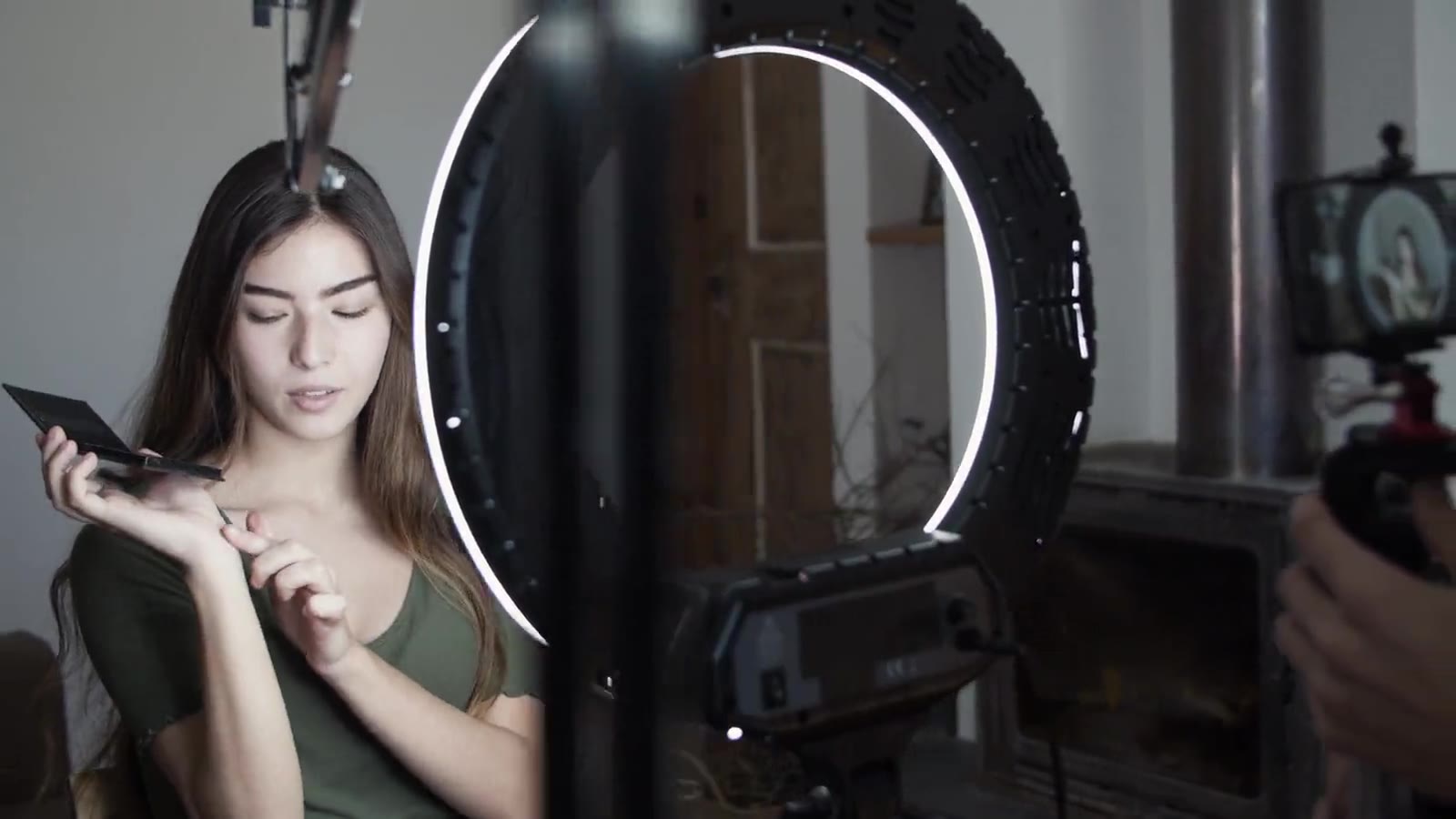
Live shopping is a new way to shop: a seller shows a product on camera in real time, and you can ask questions right in the chat and buy what you like on the spot. If this is your first time using the Dona app, don’t worry — below we walk through each step in plain language. It will all make sense in just a few minutes.
1. Open the app and find a live stream
First, install the Dona app — it’s free on both Google Play and the App Store. When you open the app, the home page shows sellers who are live right now. Streams are marked with a “Live” badge — pick one and tap it.
Each stream is real-time video. The seller holds the product, shows the details and sizes, and tells you the price. You can choose a stream by the category you’re interested in: clothing, cosmetics, home appliances, and more.
2. Watch and ask questions
While you watch, you can ask the seller a question directly in the chat at the bottom of the screen. For example:
- “Do you have this dress in size L?”
- “Is the colour exactly like that?”
- “How long does delivery take?”
The seller reads the questions and usually answers on the spot. This is the best part of live shopping: it feels like talking to a shop assistant, but without leaving home.
3. Tap the pinned product
When the seller shows a product, it appears pinned at the bottom of the screen, with its name and price. If you like it, tap that card — the full product page opens.
Here you can choose the size, colour, or quantity and read the description. The stream keeps playing — you continue watching the video while you make your choice.
4. Add to cart and check out
Once you’ve chosen a product, add it to your cart. If you like several items, collect them all in the cart and check out together. When you’re ready, open the cart and tap “Check out.”
Then enter your delivery address. Dona delivers across all of Uzbekistan, so you can order from the regions too.
5. Choose a payment method
Dona supports the following payment methods:
- Click and Payme — by card through the app
- Humo and Uzcard — national payment cards
- Cash on delivery (COD) — you pay when the order reaches your hands
If you’re not comfortable paying by card online, choose cash on delivery — you pay only after you’ve seen and received the product. All in-app payments are encrypted and secure.
6. Confirm and track your order
After you choose a payment method and confirm the order, you’re all set. Now you can follow your order status in the app: when it is being prepared, when it is handed to the courier, and when it is out for delivery. The app notifies you at each step.
If any questions come up, you can reach the seller through the in-app chat.
A few words on safety
- Payments happen inside the app and are encrypted — your card details are protected.
- If you’re unsure, choose cash on delivery (COD) and inspect the product first.
- Every order is tracked, so you always know where it is.
Live shopping is fast, convenient, and built on real conversation. Try it once, and you’ll feel how much better it is than ordinary shopping.
Frequently asked questions
Can I watch without registering?
To watch streams, downloading the app is enough. To place an order you need an account and a delivery address.
Can I return a product I do not like?
Returns and refunds are described in the Payments & Refunds Policy, and your consumer rights still apply. The easiest route is to ask the seller about return terms before you order.
What if the price changes after the live?
You pay the price shown at checkout. That screen shows the product price and the delivery fee before you confirm.
Read next: How to pay safely online · What Dona is and how live shopping works
Ready? Download the Dona app for free and find your first live stream.
- jonli savdo
- qo'llanma
- xaridorlar uchun