· 4 min read
Opening a shop on Dona: from Instagram and Telegram to live selling
Already selling on Instagram or Telegram? Open a free shop on Dona and make your first sale live on camera. A step-by-step guide for sellers.
 Dona
Dona
If you already sell on Instagram or Telegram, working with customers is familiar territory: you post photos, answer questions in the comments, and arrange payment separately. Dona brings all of that into one place — you go live, show the product on camera, and buyers ask questions and buy right there. This guide walks you from opening a shop to making your first sale live.
Why live selling converts
Under a plain photo, a buyer is left with questions: what size is it, is the color really like that, can they trust the quality. In a live stream you answer those on the spot — you turn the product around, show how it looks, and say the price. When a buyer is convinced, the decision comes quickly. That sense of live trust is what makes a stream stronger than a static listing.
Opening a free shop
Opening a shop on Dona is free. Download the app — it’s available on both Google Play and the App Store — and register as a seller. You’ll be asked for your shop name, contact details, and the information needed to accept payments. Once your application is approved, your shop goes live. There’s no monthly fee and no charge to open.
Preparing products and your first stream
Do a little groundwork before your first stream:
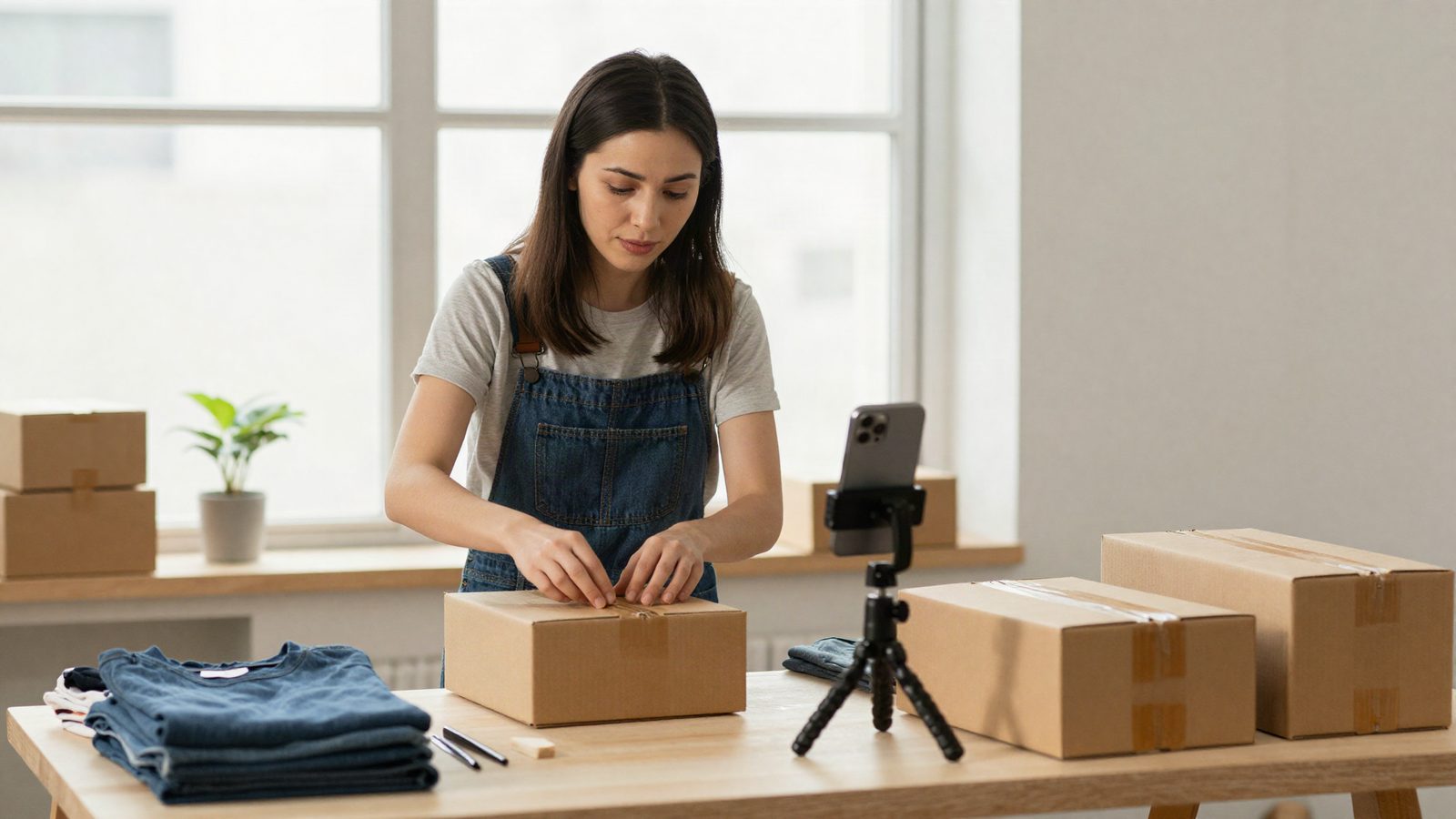
- Add your products. Give each one a name, price, a short description, and a clear photo. Prepare 3–5 products you plan to show during the stream ahead of time.
- Lighting and background. Natural light or a simple lamp is enough. Keep the background clean so the product stands out.
- Steady your phone. Use a tripod or a support so the picture doesn’t shake.
- Plan it out. Which product you start with and what you’ll say — a short plan makes the stream feel confident.
Announce the stream time in advance: tell your followers “there’s a live stream today at this time.” Inviting the audience you already have on Instagram or Telegram over to Dona gives your first stream some energy.
Pinning a product during the stream
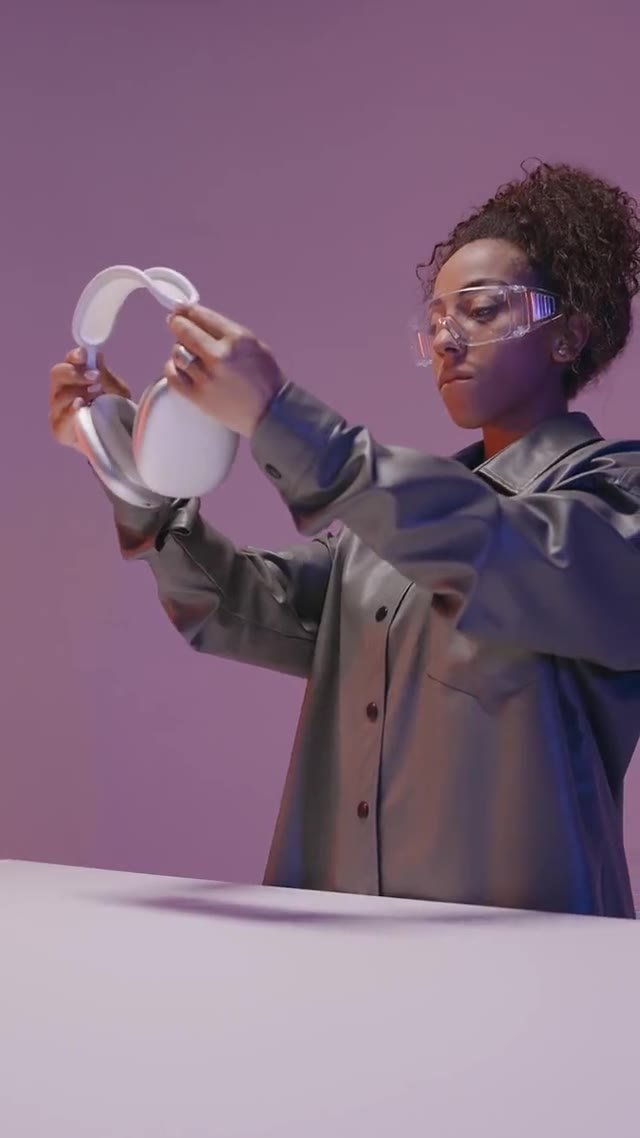
While you’re live, you pin the product you’re talking about to the screen. The buyer taps the pinned product, sees its price and details, and buys directly in the app — without leaving the stream. When you move to a new product, you pin that one. This keeps the conversation and the selling moving at the same pace.
Payments and payouts
Dona supports several payment methods. Which ones are offered depends on the order, the region and the seller, and is shown at checkout:
- Click and Payme — payment directly in the app.
- Humo and Uzcard — payment with local cards.
- ATMOS — in-app card payment (Uzcard/Humo).
- Cash on delivery — where offered, the buyer pays when the order arrives.
All in-app payments are processed encrypted. The money you receive accumulates in your shop balance, and you withdraw it through the standard process. Payment is automatic — no need to settle money separately with each buyer.
Fulfilling and delivering orders
Once a sale is made, the order appears in the seller panel in the app. You prepare the product and ship it. Delivery is arranged by the seller through courier services, while Dona coordinates the order flow and provides tracking and notifications in the app. The buyer sees the order status in the app. Packing orders on time and keeping their status updated builds buyer trust and brings them back to your next streams.
Take the first step now
Opening a shop is free and downloading the app is free. The hardest part is going live for the first time — but it’s also the most valuable. Start with a small audience and learn with every stream.
Frequently asked questions
What do I need to open a shop?
A phone number, registration in the app, and a product with a name, a price and photos. Opening a shop is free.
Do I need a professional camera for a live?
No. A phone camera and good light are enough. What matters more is showing the product up close and answering questions right away.
How do I get paid?
The money from sales accumulates in your shop balance and is withdrawn through the standard process. The exact terms are in the seller agreement you see at registration.
Read next: Dona for Instagram sellers · What Dona is and how live shopping works
Download the Dona app and open your first shop today.
- sotuvchilar uchun
- dona
- jonli savdo